Android
A Jellyfin, Emby and Navidrome music player for Android.
JellyBox plays your own Jellyfin, Emby or Navidrome library on Android phones and tablets. Download music for offline listening, play it in the car with Android Auto and cast it to your TV or speakers.
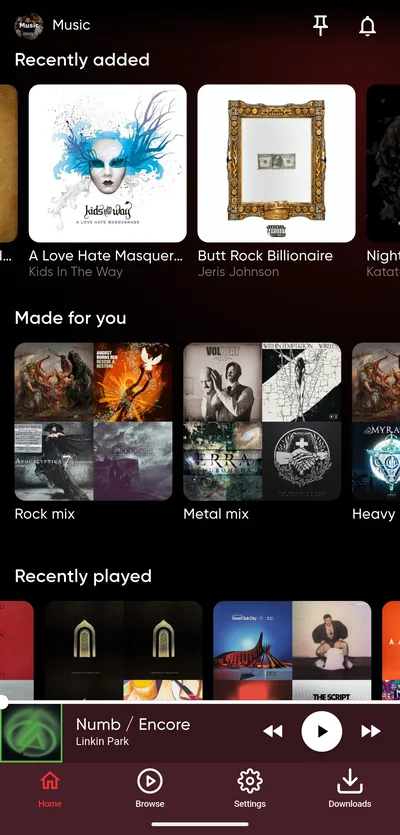
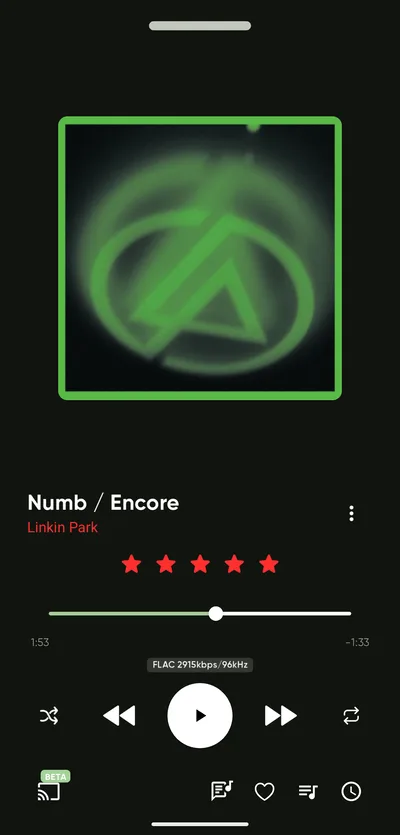
Details
- Servers
- Jellyfin, Emby and Navidrome
- Android
- 7.0 or newer, on phones and tablets
- Formats
- Plays MP3, AAC, FLAC and WAV directly. Your server converts other formats.
- In the car
- Android Auto, and Android Automotive OS by sideloading the APK
- Casting
- Chromecast (beta) and DLNA
Where to get it
- Google Play: updates install automatically.
- APK from GitHub: one file for every phone. JellyBox shows a banner when a new version is out, with a link to the download.
- Obtainium: installs the GitHub APK and keeps it up to date for you.
Switching between Google Play and the APK
The Google Play version and the APK are signed with different keys, so Android will not install one over the other. Uninstall JellyBox first. This also deletes your downloads, so you will need to download them again.
In the car
JellyBox works with Android Auto: browse your library, playlists and downloads on the car screen. The Android Auto page has the details, including the extra step Android Auto needs when you installed the APK.
Casting
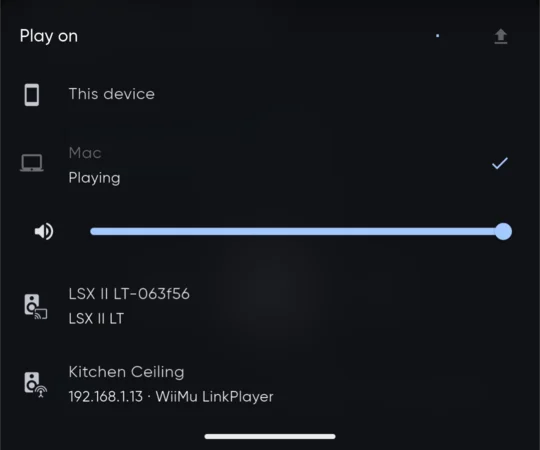
Tap the cast button on the player to play on a Chromecast, or on a TV or speaker with Chromecast built in. Chromecast support is still in beta. JellyBox also casts to DLNA devices, such as smart TVs, AV receivers and network speakers.
The same list shows your other devices running JellyBox, so you can move what is playing to your computer with Continuity.
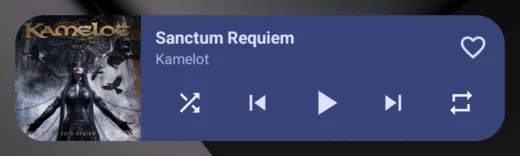
Home screen widget
The JellyBox widget shows the current song with its cover. Play, pause, skip, like the song and turn shuffle and repeat on or off without opening the app. You can resize it.
Landscape player
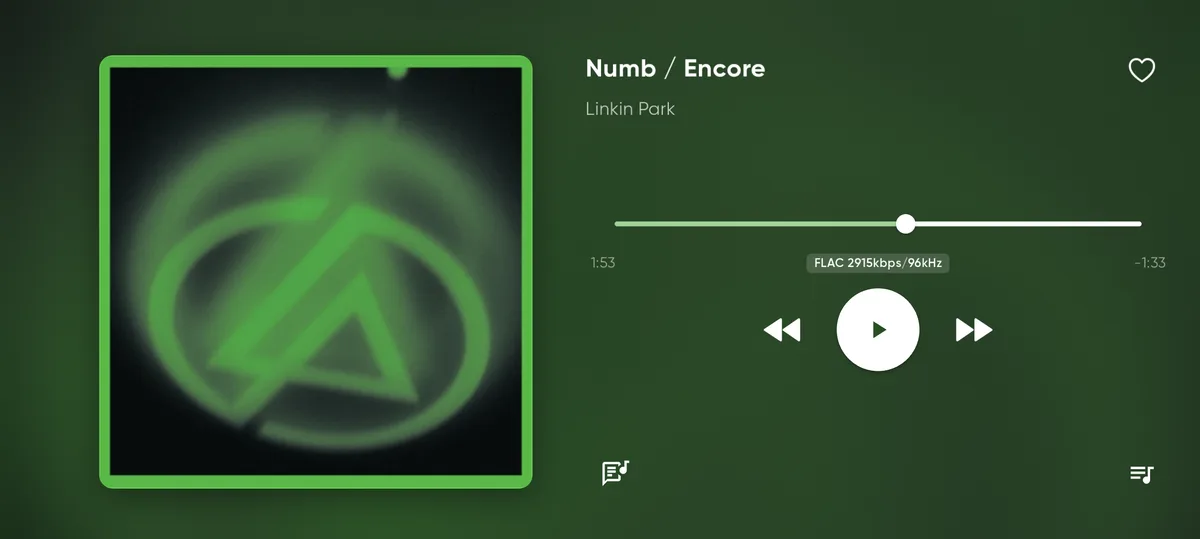
Turn the phone sideways while a song is playing: full-screen player with lyrics and the queue. Settings > Landscape player > Keep the screen on: Never, While charging or Always. Tablets get the desktop layout.
Mobile data
Separate streaming quality for Wi-Fi and cellular, original or 320 down to 64 kbps. Downloads stay in original quality.
Downloaded playlists sync on Wi-Fi only, unless "Update downloaded playlists on cellular" is on.
What does not work yet
- Android cannot play ALAC and AIFF files directly. Your server converts them to FLAC, which is also lossless, so they sound the same. Downloads of these files are saved as FLAC.
- Not on F-Droid or IzzyOnDroid yet.
- No Android TV or Wear OS app.
Anything missing?
Other platforms
Get JellyBox
JellyBox is free and open source under AGPL-3.0, and works with Jellyfin, Emby and Navidrome servers. Grab it from the download page, or read the source.