Relay
Connect to your home server from anywhere without Tailscale, a VPN or port forwarding.
Learn moreJellyBox is a native music client for Jellyfin, Emby and Navidrome. Hotkey support and a “Now Playing” widget on desktop, lock screen widgets on mobile, native Apple CarPlay and Android Auto apps, and Continuity to move what is playing from one device to another.
Free and open source · AGPL-3.0 · Bring your own Jellyfin, Emby or Navidrome server
On Linux? Which package to pick, and what it needs
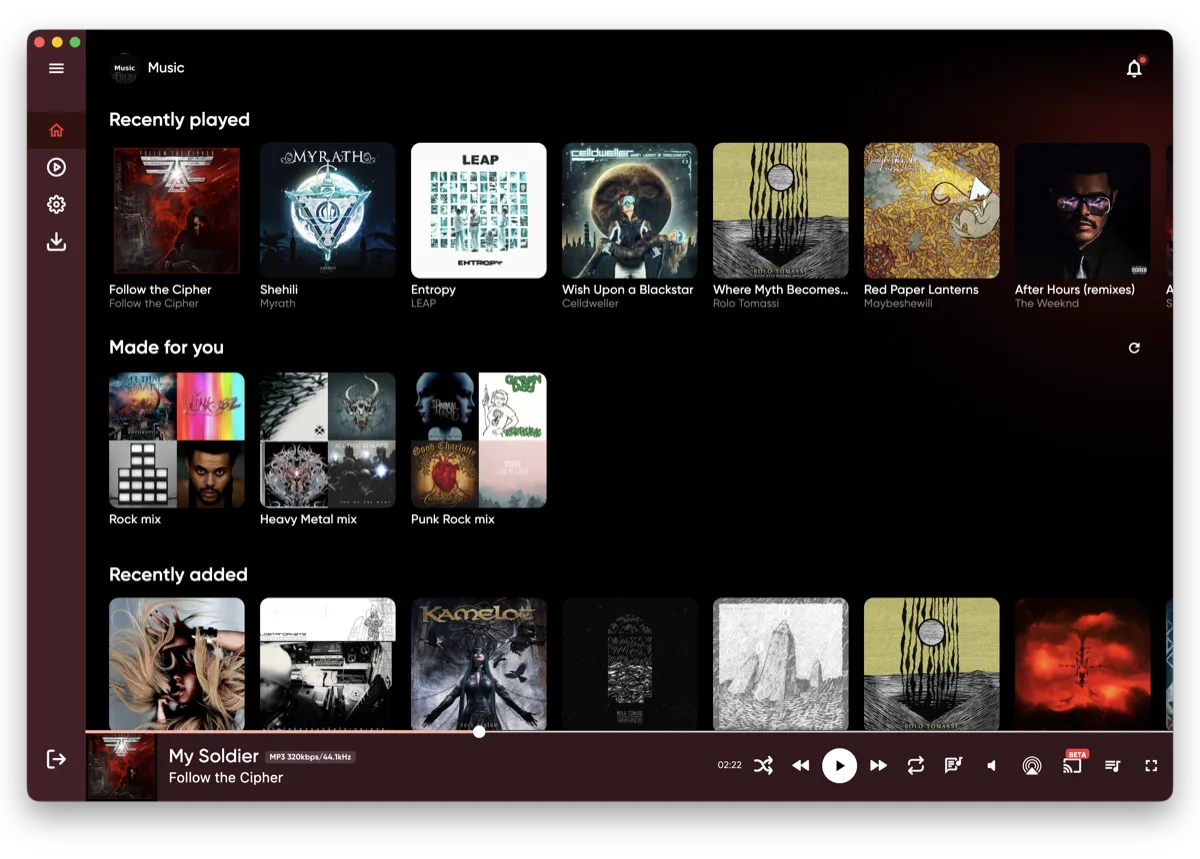
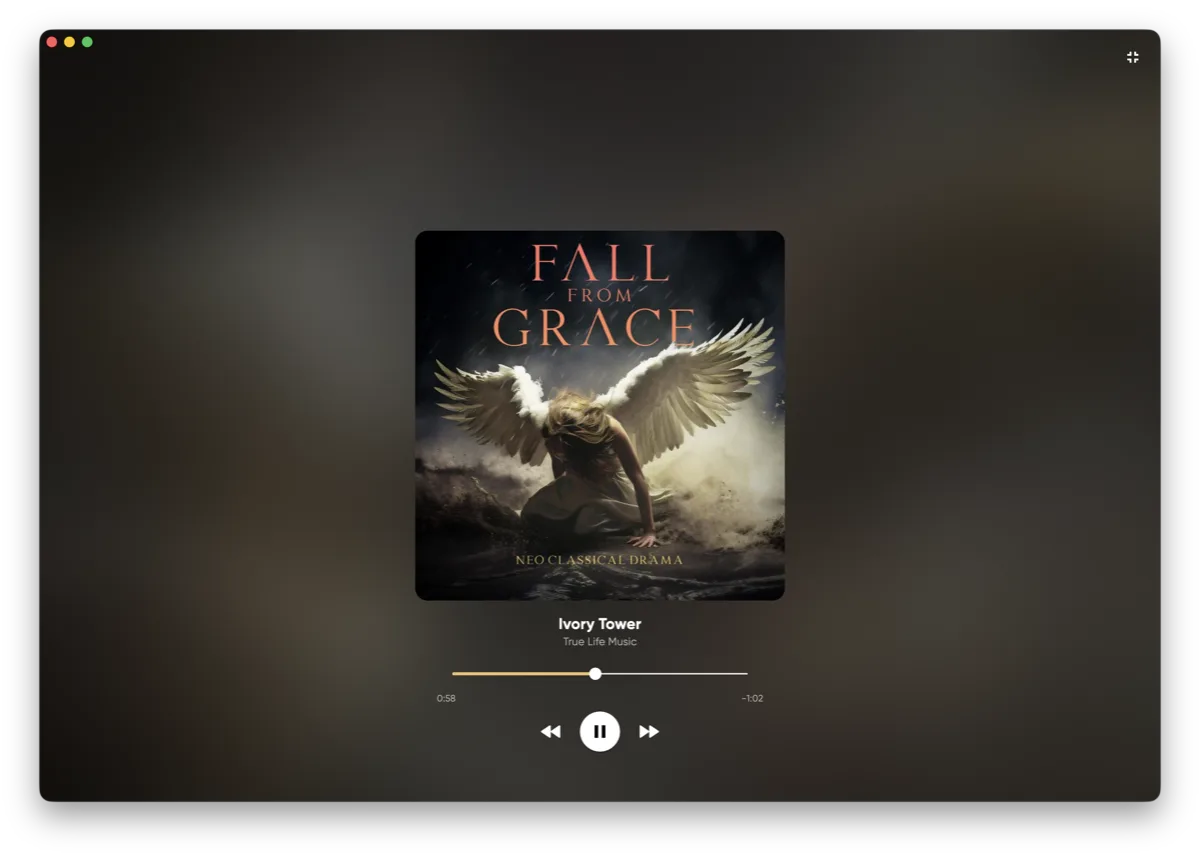
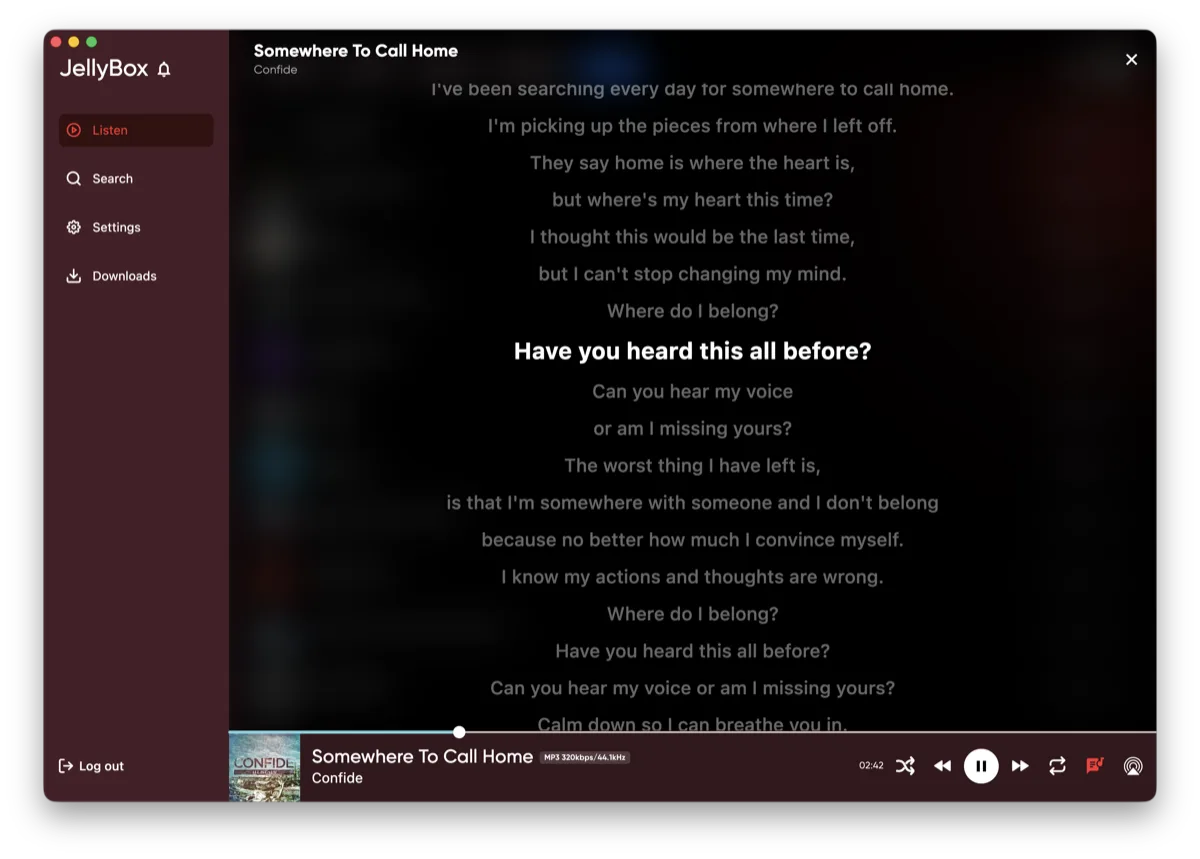
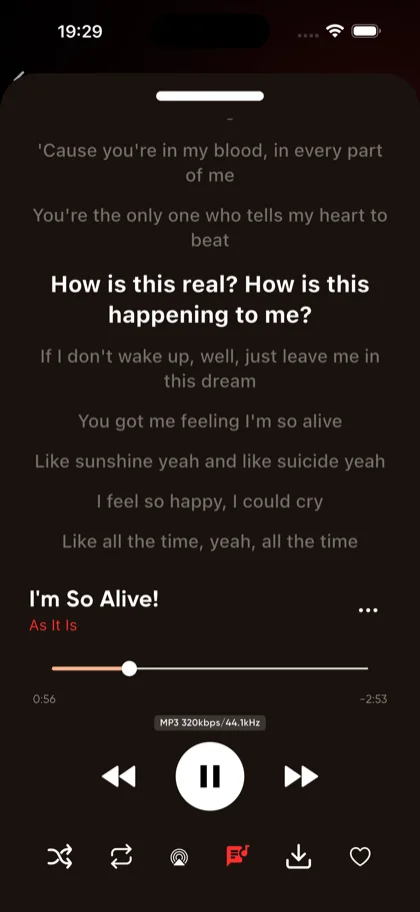
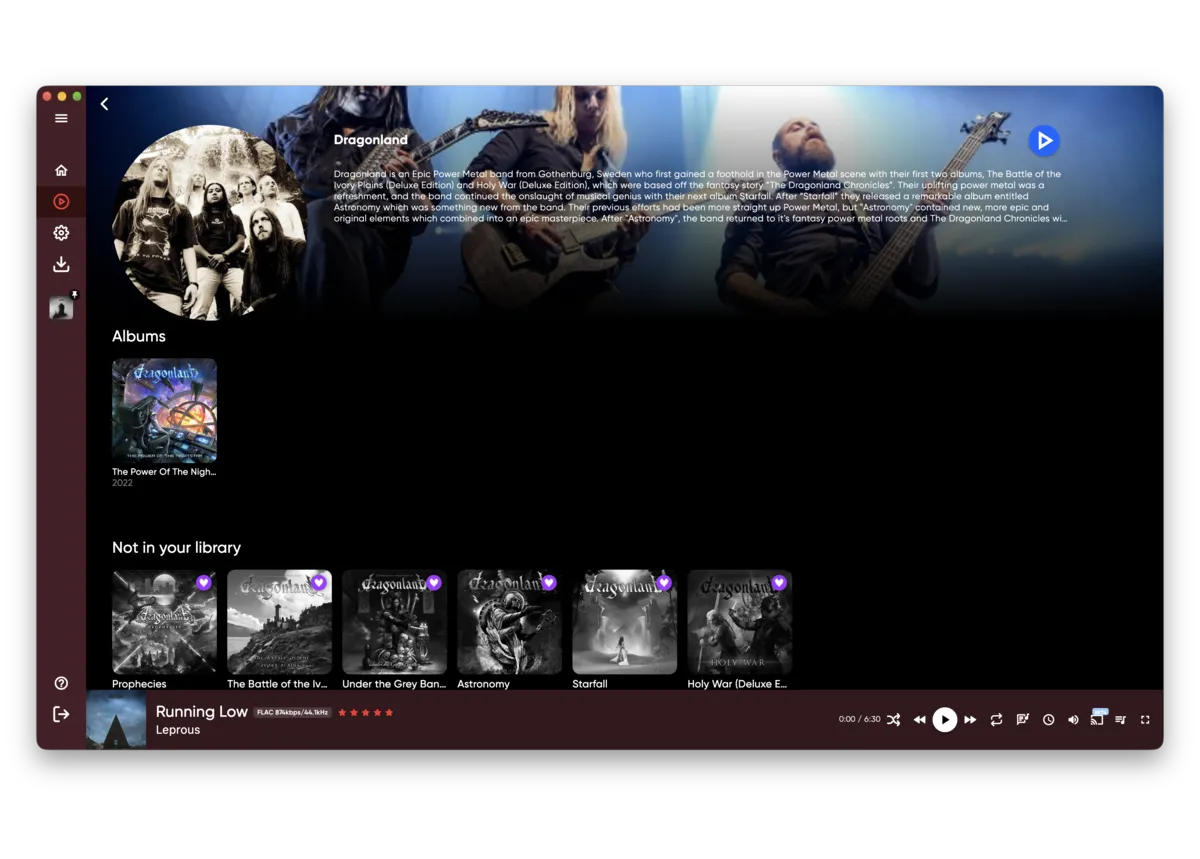
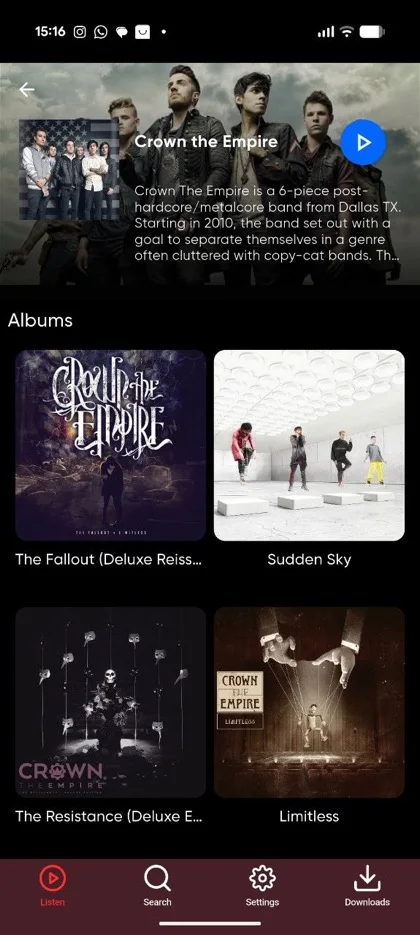
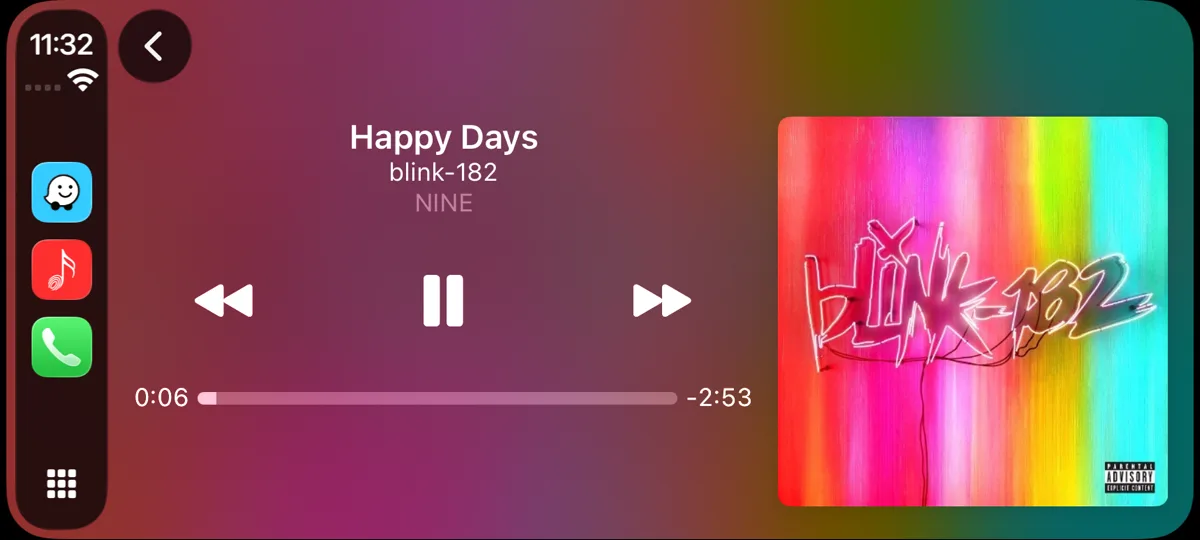
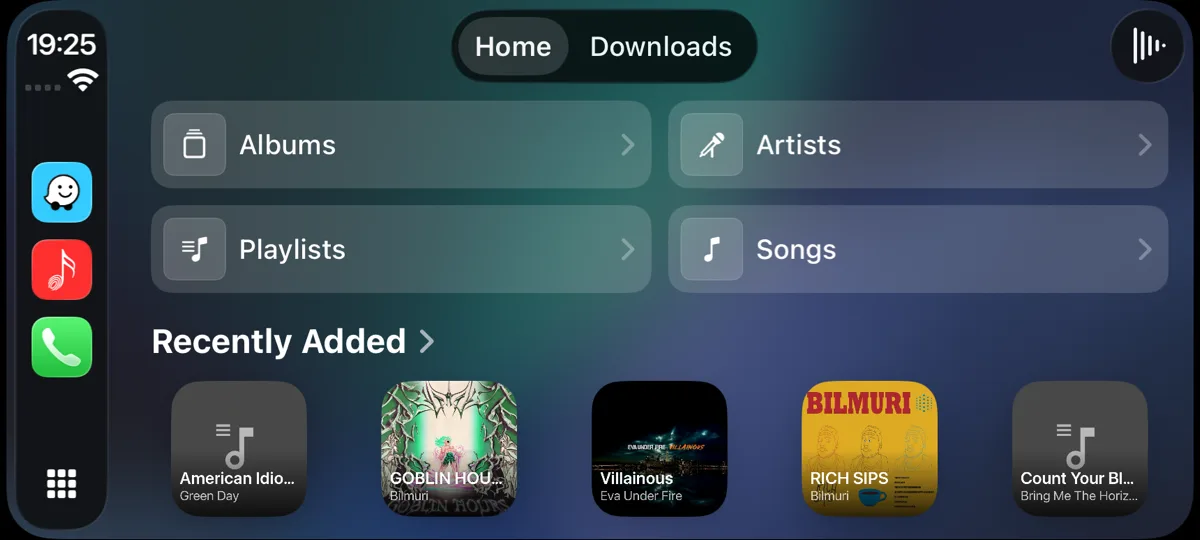
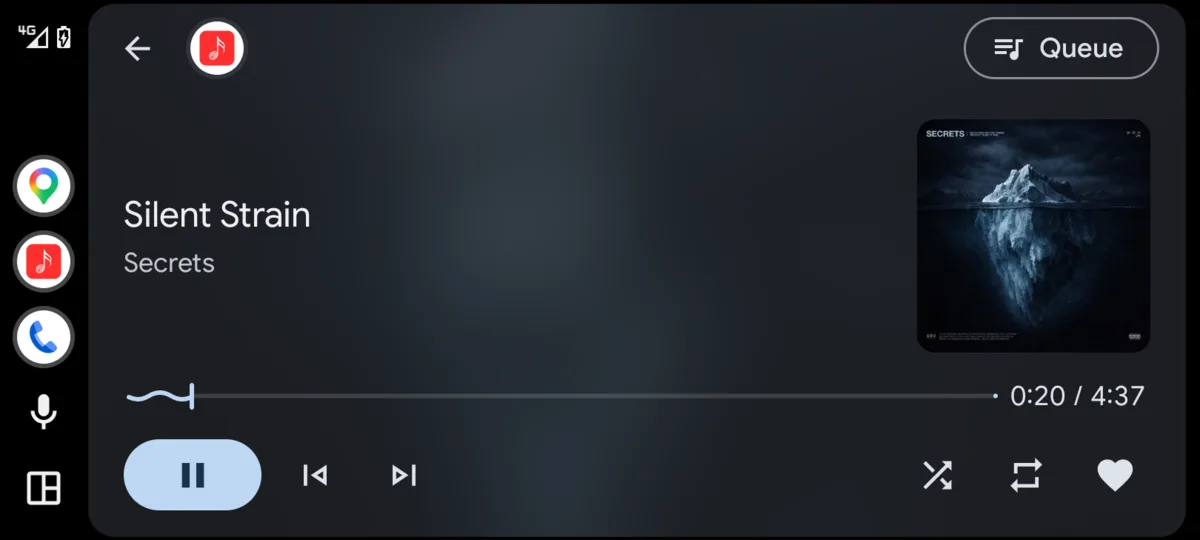
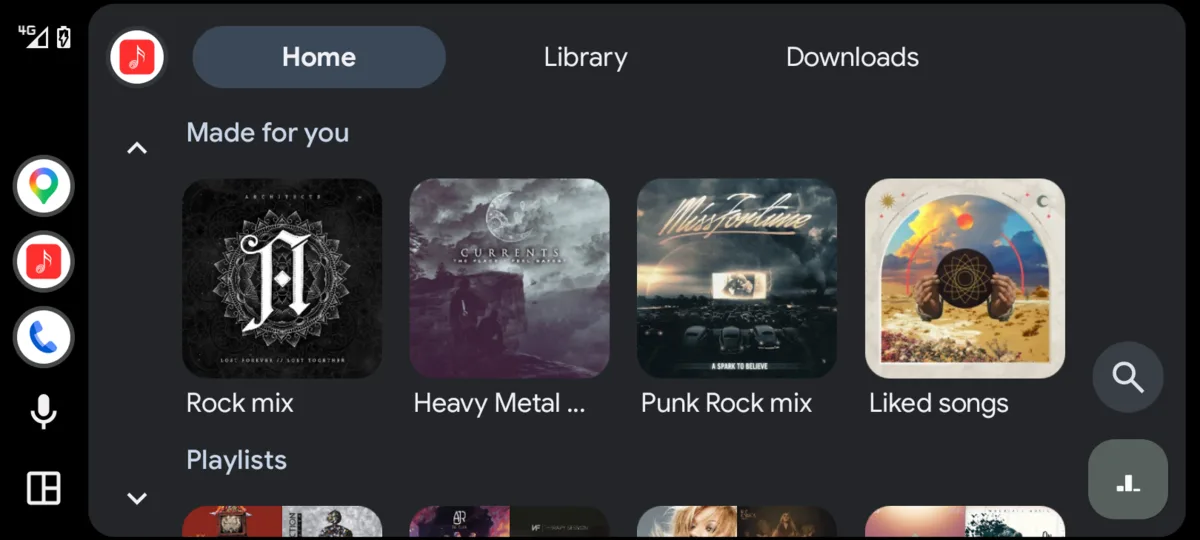
JellyBox is a player that gives you Spotify-like features using only your own self-hosted music library.
Connect to your home server from anywhere without Tailscale, a VPN or port forwarding.
Learn moreControl playback on your other devices remotely, or move it between them. Stepping away from your desktop? Switch playback to your phone in one click.
Learn moreJellyBox builds you new playlists every 24 hours based on your listening history.
What you get
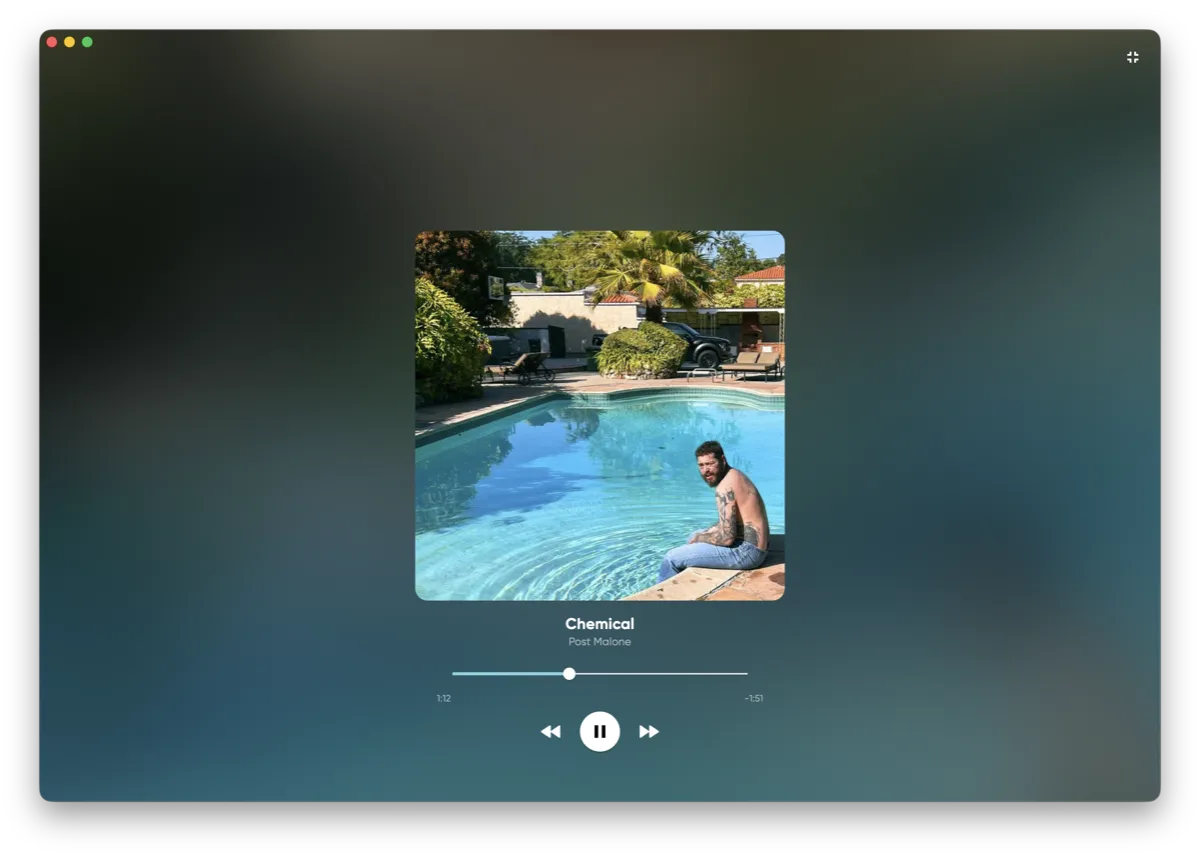
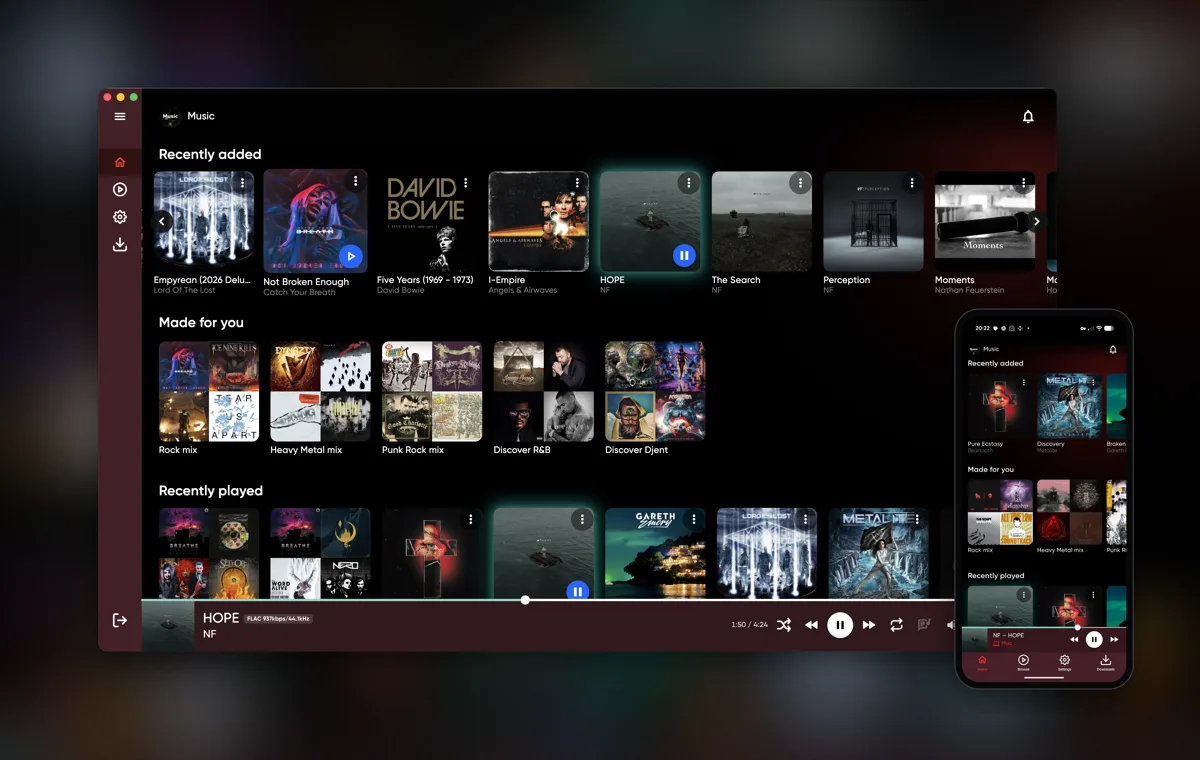
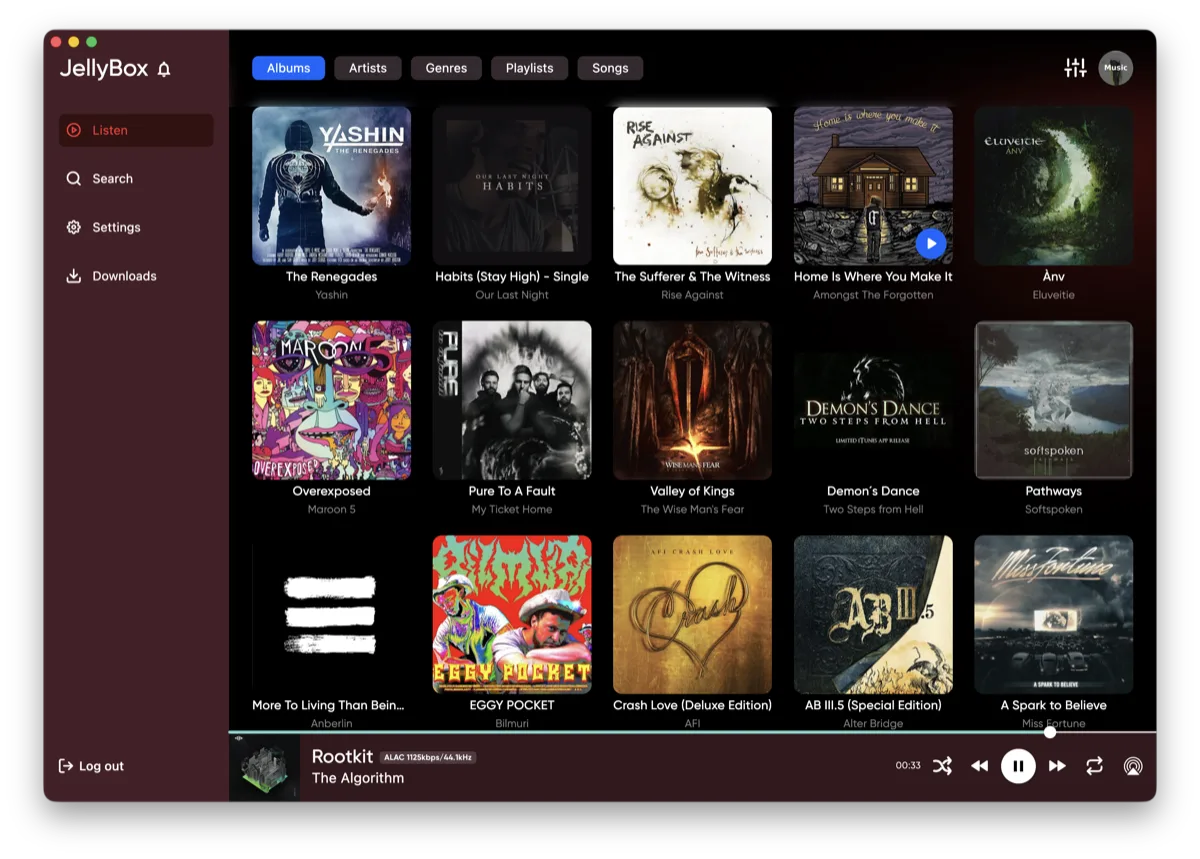
JellyBox is written in Flutter and compiled to a real binary for each platform without adding electron or tauri overhead. Because of that - app starts quick, does not consume resources or power. It's not just resized big on desktop, but has its own UI and UX while sharing same similar UI blocks with mobile app.
One app for whichever server you run. Pick the server type at sign-in, keep several servers signed in at once and switch between them without logging out. Navidrome connects over the OpenSubsonic API.
Start an album at your desk and carry on from your phone, mid-track, with the same queue. While one device plays, every other one can control it - play, pause, skip, volume and the queue. Like Spotify Connect, for your own server.
Learn moreListen to your Jellyfin server away from home without opening ports, running a reverse proxy or putting a VPN on every phone. One plugin on the server, end-to-end encrypted, and the app switches between home and away by itself.
Learn moreGenre mixes built from what you actually play sit on the home screen, and any song, album or artist can start an instant mix. A randomised "surprise me" queue when you do not want to choose.
FLAC and ALAC stream straight through at full bitrate. If a device cannot play the format, it is converted to another lossless one rather than dropped to lossy. The player bar tells you exactly what's coming out - codec, bitrate, sample rate.
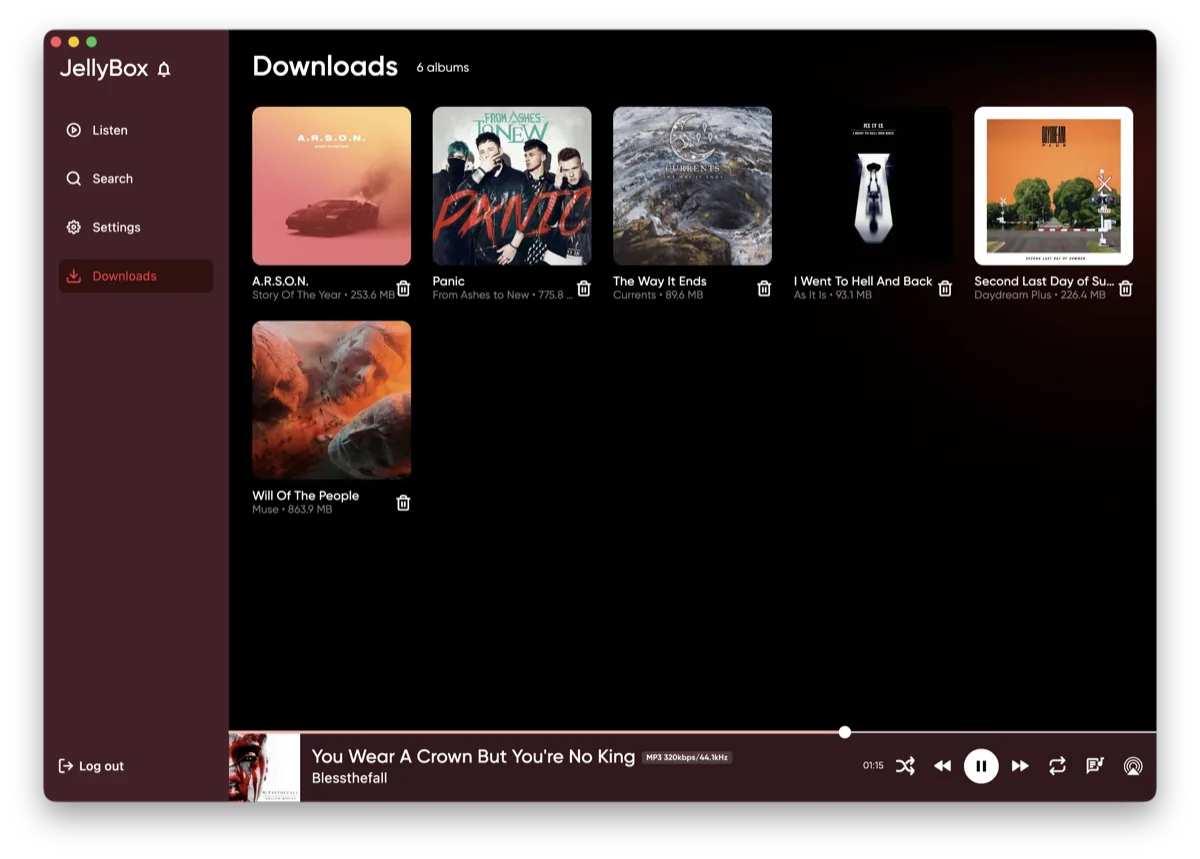
Pin albums and playlists to the device for the plane or the subway and they will be automatically synced as they change. The rest of the time forward caching pulls the next tracks down before you reach them. Transcode if you are in bad network area
Lyrics scroll line by line in step with the track, wherever your server has them. Sing along, or just follow the words as the song goes.
Send audio to an AirPlay device from the system route picker in the now-playing bar, cast to a Chromecast from your phone, or stream straight to a DLNA receiver on your network and keep driving playback from the app.
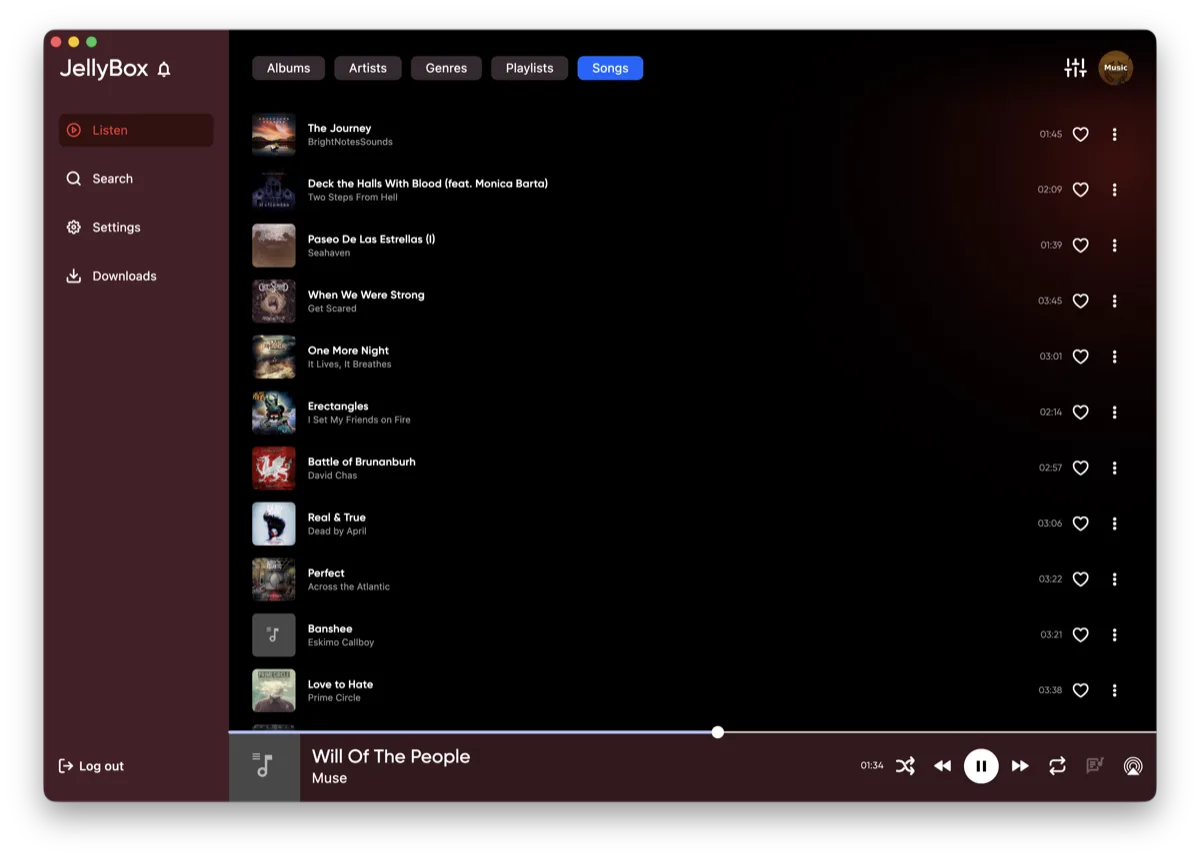
Albums, Artists, Genres, Playlists and Songs, across as many music libraries as your server has - plus search, artist bios and full discographies.
Play, pause, skip from the keyboard row, the lock screen, or your headphones - wired into each OS's native transport controls, not a browser shim.
The library
Open source
JellyBox is AGPL-3.0 and developed in the open. Every release is built from the same repository you can clone right now - file an issue, send a patch, or just compile your own copy.
# build it yourself
git clone https://github.com/avdept/JellyBoxPlayer.git
cd JellyBoxPlayer
flutter pub get
flutter run -d macos   # or windows, linux, ios, android