Why DLNA does not work?
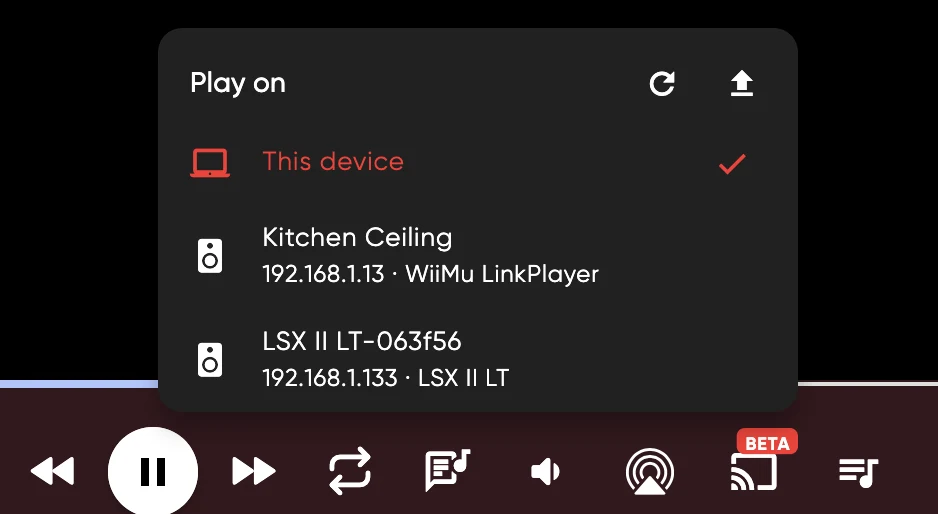
You must be googling why DLNA does not work, or why it stops playing after 1-2 songs? Well, I will try to explain why it happens in this article. Recently I've been adding DLNA to my OSS music player - JellyBox player and spent almost a week learning protocol, specs and how to work with it, so I got a knowledge to share.
Please apologize in advance about typos, and other writing errors - english is not my main language and I don't want to use AI to write/rewrite, I ejoy writing articles myself.
What is DLNA?
DLNA is a protocol that explains how can you share content(music, video, photos) playback between devices. If speak more technically(I will speak about music and speakers) - DLNA is web server which can accept a set of commands such as play, pause, set playback URIs, change volume, and so on. First DLNA protocol was released back in 2004 and still operates today, although the DLNA(alliance behind protoco) was dismissed around 2017, which means no more new DLNA versions be released. There are 3 versions were released and most devices still operate on v2 which is a problem.
How it works?
DLNA capable device expects you to feed it a direct link to your content, so that DLNA server on your device can then actually pull that file and play it. That's it. There's no real streaming from your device to DLNA, its just sharing link to content. In order to track playback progress and show it in your player - your player polls DLNA device to check and update current playback progress so you could see it in your player. Same when you change position - your player will send request to DLNA device to ask to change playback position.
What's the problem then?
The problem starts when your player cant poll continiously DLNA device. This is a mobile app issues, when OS(ios/android) puts your app in background. That moment player can't poll device anymore short period of time.
This makes a whole bunch set of issues for DLNA casting from mobile phones. And is a reason of those "playback stops after 1-2 songs".DLNA v1 and v2 does not have native queue support.This basically makes all mobile devices incapable of correctly streaming long queues to DLNA devices because mobile OS puts device app to background mode the moment you locked screen.
One might ask why app being put to background? Because when you cast to DLNA - your device does not play any music of device itself, its not a direct stream from phone to speakers, its passing link to song to DLNA. Thats why OS puts mobile app to background and the moment DLNA device needs new link to play - your app already sleeps and can't push new link. Thats why in most mobile apps playback stops after 1-2 tracks.
DLNA v3 and custom queue implementations
With DLNA v3 which was introduced in 2015 - there is a queue feature added, which makes it possible for mobile devices to push queue instead of single song to DLNA device. However not many modern devices support DLNA v3 and even devices launched much later than DLNA v3 - still on DLNA v2
Some manufacturers also did their own queue implementations. During my tests on DLNA playback I came across LinkPlay implementation which added custom queue to speakers and even though device ran DLNA v2 - I could cast full queue to speakers from phone in 1 go. Another approach - QQPlay, which is some chinesse integration. I didnt find much details about it and I was unable to accept it queue from my devices no matter what I tried.
Sonos for example also have their own DLNA queue implementation
What to do?
Avoid DLNA. Most modern speakers supports both - AirPlay and Google(Chrome)Cast.
If you still want to support DLNA - you can do a way around - make device that casts to DLNA to stay awake. For Android - there is a way to have a foreground worker which possibly could poll DLNA device and push new tracks when other one finishes. For iOS - there's no way(that apple would approve to appstore) to keep device polling DLNA endpoint unless you make user not to lock his device. There's ways to disable screenlock per app, so if you really need it to work on iOS - you can just keep screen aware and it will be working
On desktops - this isnt a problem at all. Desktop app, even in background, does not have strict power requirements and keep polling as often as needed, making it super easy to push new tracks.